On an iPhone, redeem an Apple gift card inside the App Store: tap your photo or initials, choose Redeem Code, then scan or enter the 16-character code. Apply it to add the value to your Apple Account balance. On Android, use Apple's browser redemption page. The same code works through different doors on Mac and Windows, as Apple's current redemption guide explains.
The device is the easy part. Your Apple Account's country and the card's purchase country must agree before the code moves, so check that pairing first. Holding another brand? Our cross-brand redemption guide maps its official route.
Choose the account and card before the code
Redemption attaches the card's value to the signed-in Apple Account, and the account must belong to the card's purchase country or region. Check the name and email in your account before you scratch the panel. A US card needs a US account under Apple's US gift-card terms; another device or network location does not rewrite that account setting.
Find the 16-character code on the card's back or in its delivery email. Some physical cards hide it beneath a peel-off label or a scratch-off foil panel. Apple says codes for manual entry begin with X. Keep the serial number separate: it identifies the card in a support case, while the redemption code carries the spendable value.
The card family matters too. A current Apple Gift Card, an App Store Card and an older App Store & iTunes Gift Card can add funds to an Apple Account. The older Apple Store Gift Card is the exception: it buys hardware through Apple's retail channels and is not accepted for App Store or iTunes Store redemption. Apple's card-identification guide shows the different families. Read the printed name before trying a code that belongs at a hardware checkout.
Redeem an Apple gift card on iPhone or iPad
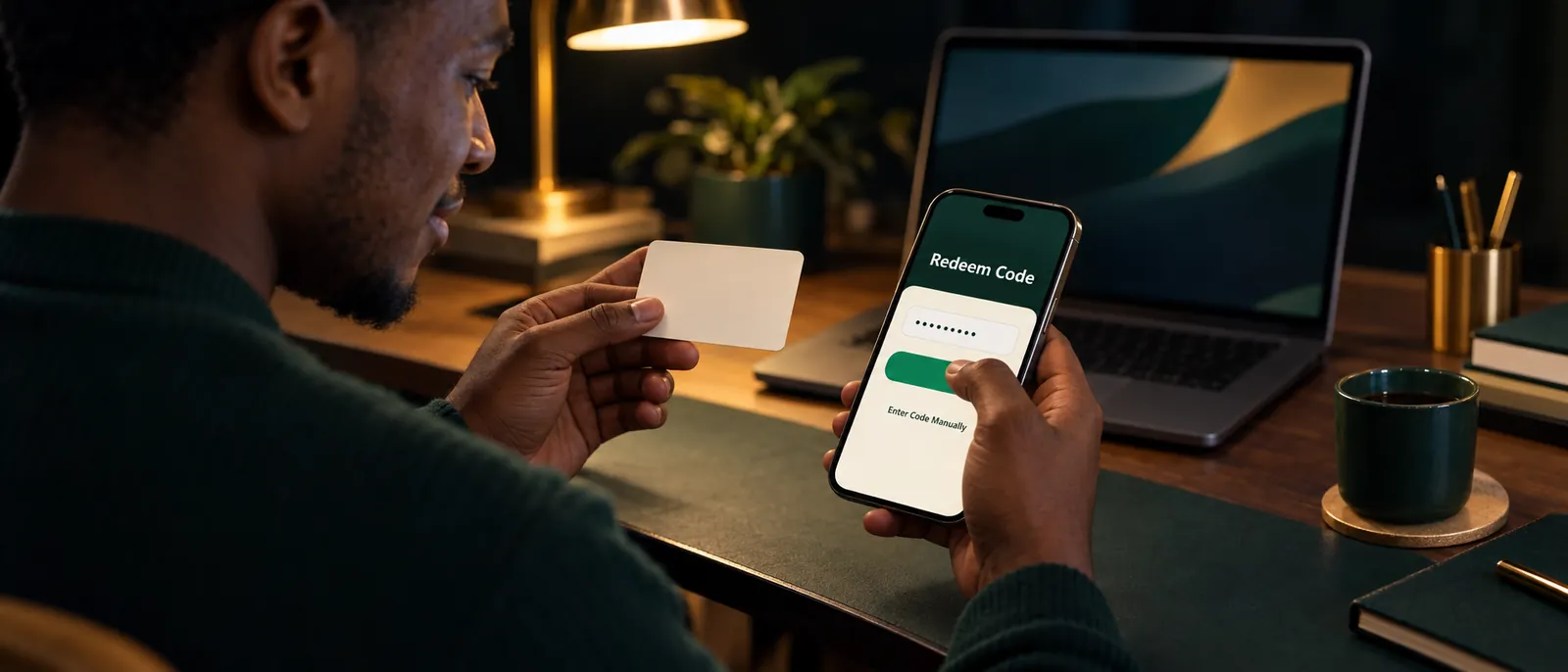
On iPhone or iPad, the App Store route is profile → Redeem Code → camera or manual entry. Your photo, initials or My Account button opens the account area.
- Open the App Store and tap your account button. Sign in if prompted. Confirm that the account shown is the one you intend to fund.
- Tap Redeem Code. Apple's current guide uses this label. If a device presents different wording, look for the gift-card redemption option inside the same account area.
- Choose Use Camera or Enter Code Manually. Hold a physical card flat for the camera, or type the 16 characters yourself. Manual entry is useful when foil damage makes one letter hard to read.
- Review the account, then tap Redeem. Follow any remaining prompt. Once the code succeeds, its value belongs to that Apple Account.
Apple also documents redemption through Wallet in some countries and regions. That route requires an Apple Account card already added to Wallet; tap the card, open the More button and choose Redeem. Wallet availability is regional, so the App Store remains the dependable iPhone route when that card or button is absent.
Redeem on a Mac
On a Mac, open the App Store, select your name in the sidebar and choose Redeem Code. If your name is absent, select Sign In first and use the Apple Account that should receive the funds.
- Open App Store from the Dock or Applications.
- Click your name at the bottom of the sidebar, then choose Redeem Code.
- Select Use Camera or Enter Code Manually, then follow the confirmation screen.
A Mac camera can read a physical card, but manual entry gives you a slower, clearer check of look-alike characters. Confirm the account before the final click; signing into the App Store on a shared computer can otherwise send the value to somebody else's profile.
Redeem on Windows
On a Windows PC, open Apple Music or Apple TV, click your name at the bottom of the sidebar and select Redeem. These are the apps in Apple's current instructions. Older tutorials built only around iTunes may not match the software you have installed.
- Open Apple Music or Apple TV and sign in when asked.
- Click your name at the bottom of the sidebar, then choose Redeem.
- Enter the 16-character code, follow the on-screen instructions and select Redeem again to finish.
Use the account you intend to keep. After redemption, the credit is available to that Apple Account on eligible Apple services; it does not become a Windows wallet balance or a transferable voucher.
Redeem an Apple gift card on Android in a browser
On Android, open apps.apple.com/redeem in your browser and enter the code on Apple's official redemption form. Apple's current device guide has no Android section, but it links this browser route. The page displays "Redeem your gift card" and an Enter Code field.
- Type
apps.apple.com/redeeminto Chrome or your usual browser. Check the domain before entering anything. - Enter the 16-character code into the field and continue. If the page asks you to sign in, use the Apple Account that should receive the value.
- Read the account and confirmation prompts before finishing. Stop if anything identifies an account you did not intend to fund.
You can open Apple's browser redemption form directly. This route avoids the uncertain menu labels in older Android tutorials and works without hunting for an iPhone. A browser page that asks for the code is still redemption, so do not use it as a harmless balance preview.
Emailed cards and what a successful redemption changes
An emailed Apple gift card can skip manual typing: open the delivery email and select Redeem Now. Review the account before confirming. Keep the email after redemption because it is part of your purchase record.
A successful code becomes Apple Account balance. Apple's balance guide says that credit can pay for apps, games, subscriptions, digital content and iCloud+. Where Apple Gift Card is available, it can also buy products and accessories through Apple's own retail channels. Certain purchases still need a credit card saved on the account.
Do not confuse that account figure with the amount behind a fresh card. The App Store account screen shows credit already redeemed; it cannot prove what an untouched code holds. Our Apple balance-check walkthrough covers the separate official card checker and the safest way to read either figure.
When redemption fails, work in this order
Start with the code and card type, then refresh the account display; activation belongs to the retailer, while a damaged code belongs with Apple Support. Repeated attempts on different websites cannot repair those cases.
For an invalid-code message, enter the characters manually and confirm that you do not have the older hardware-only Apple Store Gift Card. Apple lists these easily confused pairs: O/0, B/8, E/3, D/O, G/6, O/Q, S/5, U/V and Z/2. For an already-redeemed message, refresh the account view by signing out on each device and signing back into the App Store or iTunes Store. These checks come from Apple's redemption troubleshooting guide.
A card that was never activated needs the retailer and the purchase receipt. A scratched or unreadable code needs an Apple Support case. Apple can request full front-and-back card images, proof of purchase and the serial number; send those only through a case you initiated. The detailed evidence and account checks sit in our Apple balance and error guide.
The country rule decides whether redemption is possible
Apple media cards work only in the country or region where they were bought, even when the code and balance are valid. Apple gives the example of a card bought in France refusing the US App Store. Its US terms likewise restrict US-purchased cards and content codes to accounts in the United States.
Nigeria's entry in Apple's payment-methods table lists Apple Account balance from adding funds and most credit and debit cards. It does not list gift-card redemption there. Every card needs an account registered in its issuing country — the United States for a US card, the UK for a UK card, and so on. Your physical presence in Nigeria does not supply that account setting. Readers holding a UK or European card can use our foreign Apple card guide to compare the regional rules and their options.
A VPN changes your network route, not the registered country attached to your Apple Account. Changing an account country can also involve spending existing balance and meeting new payment requirements, so it is a relocation task rather than a quick code fix. If the card and your genuine account life belong to different countries, leave the code unredeemed while you choose the next step.
If the card is unused and naira is more useful
Decide about selling before redemption because Apple Account balance stays with its owner and cannot be withdrawn as cash except where the law requires it. Family Sharing does not open the balance to relatives either. Once the code lands, you cannot peel part of it back into a sellable card.
If you have no eligible account or no Apple purchase to make, our Apple selling guide explains card forms, verification and the safe order for a trade. The Apple selling page carries the current published terms. Keep the code covered until the amount and the process are clear.
A card bought for the wrong country can still pay out
Send the card's purchase country, amount and whether it is physical or an e-code. We send a written naira amount first. Only after you accept does any code move. After successful verification, your bank payout follows within 15 minutes.
Choose the account and country before choosing the menu. When both fit, redeem through the matching route. When they do not and naira would serve you better than Apple credit, leave the code untouched until your written quote is settled.
Questions, answered
Can I redeem an Apple gift card on Android?
Yes. Visit Apple’s official redemption page at apps.apple.com/redeem on your phone and submit the code. The current support article covers iPhone, iPad, Mac and Windows, so the web form is the documented choice for an Android user.
Can I use a US Apple gift card on a Nigerian Apple Account?
A US card requires a US Apple Account. The restriction follows the account’s registered country, not your location. Nigeria’s payment table names balance from adding funds, with no gift-card entry. Leave the code unused if your account is registered in Nigeria.
Will the App Store show what an unredeemed Apple card is worth?
No. That account screen shows credit already applied to your profile. To read a fresh card without applying it, use Apple’s separate gift-card balance page and sign in there. Keep the code out of any redemption form until you have chosen what to do with the value.
Can I redeem an Apple Store Gift Card in the App Store?
No. The retired gray, white, silver or gold hardware card belongs at Apple’s retail checkout, not in a media app. Use a current unified card or an older App Store & iTunes card when you want Apple Account balance.
Can I move Apple Account balance to another account or a bank?
No. The credit belongs to one account and Family Sharing does not share it. Apple’s terms allow cash only when applicable law demands it. Make any selling decision before the code becomes account credit.
What should I do if my Apple code is invalid or already redeemed?
First rule out a wrong card family or mistyped character. If Apple reports prior redemption, refresh every device by signing out and back into the store. Return unactivated cards to the seller; ask Apple to examine a damaged one.
Sell your card the safe way
No app, no sign-up — we confirm today's rate in writing before you send anything, and payout lands in your bank within 15 minutes of verification. Start with a small card if you want to test us first.
Sell my gift card