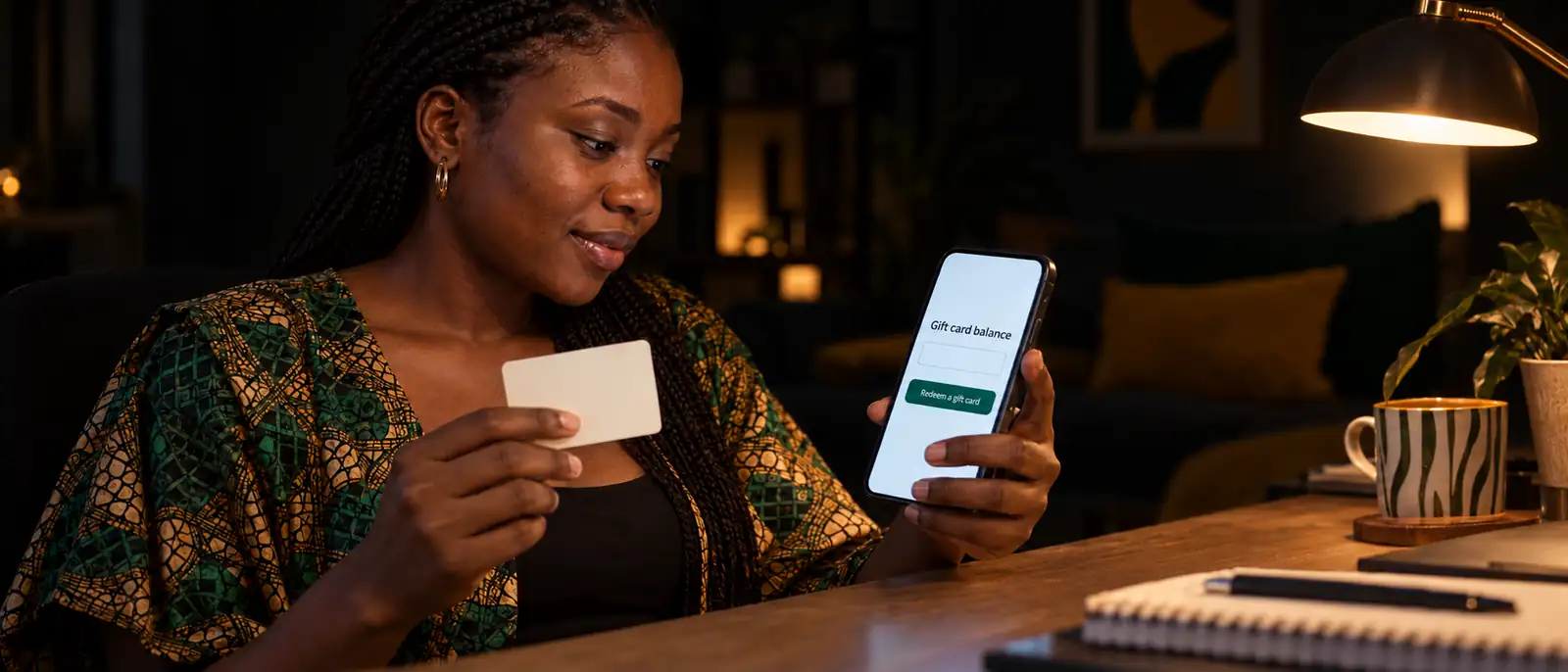
To redeem an Amazon gift card, open the gift-card area in the Amazon app and choose Redeem Gift Card, or visit amazon.com/gc/redeem in a browser. Enter the claim code, then press Apply to Your Balance; the value lands in the account currently signed in. Amazon publishes the browser route in its gift-card redemption instructions.
If you only want to see how much an unredeemed card holds, stop before that button. Amazon documents balance checks for credit already attached to an account, not a public lookup for an untouched claim code. For another retailer, use our general gift-card redemption guide.
Before you reveal the code: set the account and marketplace
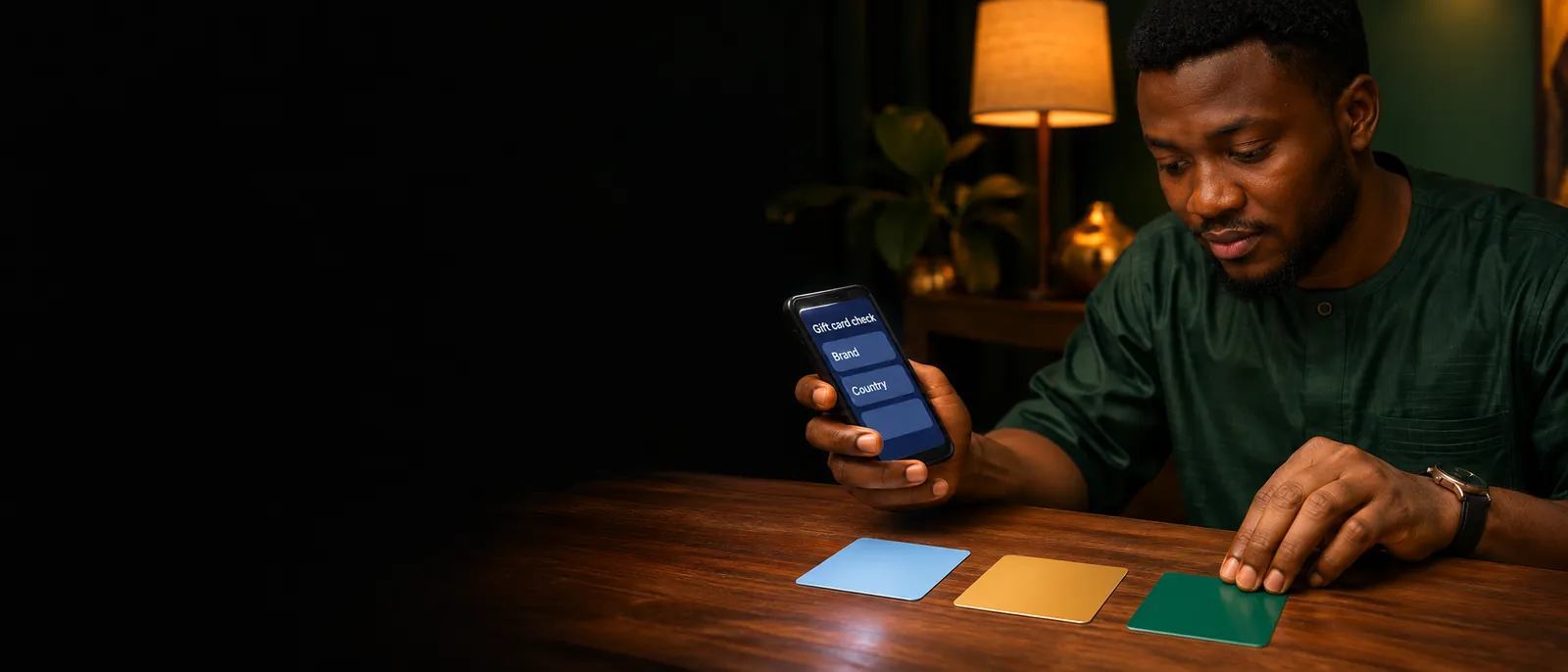
Redemption goes to the signed-in account on the card's own Amazon marketplace, so check both before removing the scratch panel. A moment spent here prevents the two problems Amazon cannot undo for you: value applied to the wrong account and a card presented to the wrong regional store.
- Read the receiving account. Check the email address in your Amazon profile. An old work account or a relative's signed-in phone can become the unintended home of the balance.
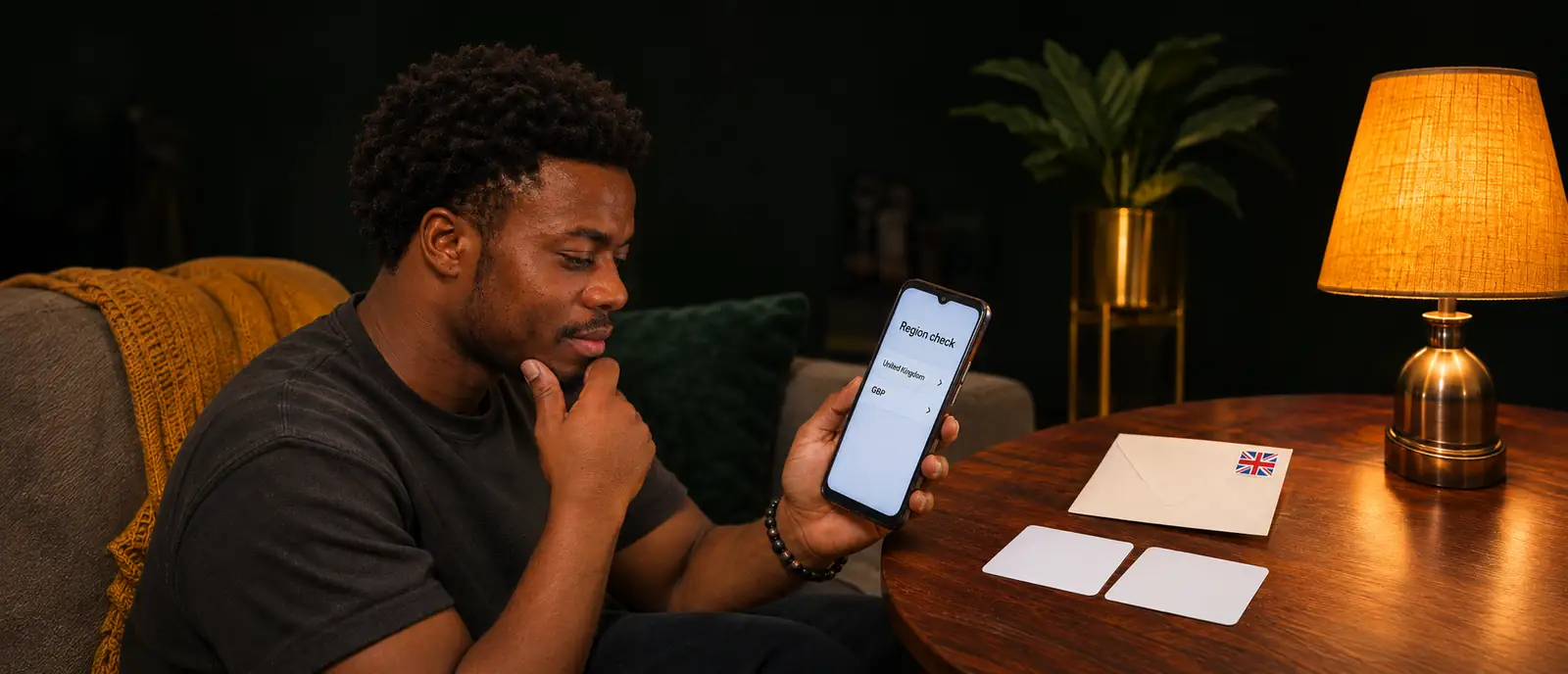
- Match the marketplace. Amazon.com Gift Cards can only be used on Amazon.com. A card bought for another regional store belongs to that store's own redemption flow.
- Find the claim code without sharing it. On a physical card, it sits on the back beneath a peel-off sticker or silver scratch-off section. Amazon says a claim code is 14 or 15 characters, usually letters and numbers together.
- Keep the purchase evidence. Preserve the card, packaging and receipt. The serial number on the back is useful for a damaged-card case, but it is not the code you redeem.
Type the redemption address yourself or open the official app. A link supplied in a sales chat is a poor place to test spendable value.
For annotated card fronts, backs and delivery documents, continue to the Amazon gift card picture guide. It shows how to redact identification images before sharing them.
Use the Amazon app for gift-card redemption
Amazon's current staff guide describes the app route as Menu → Account → Manage gift card balance → Redeem Gift Card. The menu sits at the bottom of the screen, and Manage gift card balance appears under Payments. Labels can differ by app version and marketplace, so look for the gift-card redemption option if your screen uses different wording.
- Open the Amazon app and tap the menu icon. Confirm the receiving account first.
- Select Account, then Manage gift card balance. This area shows credit already attached to the profile.
- Choose Redeem Gift Card. Amazon's app walkthrough lets you type the code manually or use the camera to scan it.
- Review the account, then follow the final on-screen prompt. Do not tap through on autopilot. The profile receiving the credit is the profile you checked at the start.
Checkpoint: return to Manage gift card balance and look for the new amount. If the credit is absent, do not keep resubmitting the same code; use the error checks below first.
Redeem on amazon.com in a browser
On a phone or computer, open amazon.com/gc/redeem, sign in, enter the claim code, then press Apply to Your Balance. The shorter amazon.com/redeem address also leads into the redemption flow, with sign-in required when your session has expired.
- Open the redemption page on Amazon's own domain. Read the address before entering anything.
- Sign in to the account that should receive the value. If the browser already has another person's session open, switch accounts first.
- Enter the 14- or 15-character claim code. Copy and paste a delivered code when that option is available; for a physical card, transcribe it slowly.
- Select Apply to Your Balance. Amazon stores the funds in Your Account and automatically applies them to the next eligible order.
An Amazon-delivered electronic gift card has a slightly different route. Open the delivery email and select Apply to your Amazon Account. Amazon says these electronic deliveries do not carry a separate claim code. Sign in only on the genuine Amazon page that opens.
What Apply to Your Balance changes
Applying the code turns the card into Amazon.com Balance on that account; open Your Account and select Gift cards to see what remains. Amazon's balance instructions also place a transaction section on the Balance Page, where changes can carry order IDs or serial numbers.
One exception covers physical cards bought from Amazon without a printed value. Open Your Orders, find the gift-card order, and compare the 16-digit serial number beside the amount in the order details with the serial on the card's back. That check uses a purchase you already own; it does not expose somebody else's untouched card.
For an unredeemed card received as a gift, there is no official public balance checker to use first. Independent testing by Techlicious reaches the same conclusion: Amazon will not show the value of a card you did not buy until it has been added to an account. Applying a code just to "see if it works" therefore makes an account decision you may not have wanted. Our official balance-check directory places Amazon with the other account-required brands.
How checkout spends the balance
Amazon applies available gift-card credit to your next eligible order, charges any excess to another payment method, and keeps any unused portion for later. The same Amazon staff guide explains how to opt out for one order: uncheck the gift-card balance option at checkout if you want to save the credit.
The balance is store credit with limits. Amazon's Gift Card Terms and Conditions say it cannot buy other gift cards, move to another Amazon account, or be redeemed for cash except where the law requires it. Gift cards also cannot be reloaded.
Eligible goods and services can change. If no gift-card balance appears as a payment choice for a particular order, check the item and terms before assuming the card is empty. The transaction view is the better place to confirm what is still available.
When redemption fails: check the evidence before retrying
Check whether the value has already landed, then preserve the card, serial number and order evidence before trying again. Amazon's redemption-issues guide separates the cases that look similar on screen but need different action.
“This gift card has already been redeemed”
This message means the card was applied to your account earlier or to another account. Open Your Gift Card Balance and check the transaction history first. If you use more than one Amazon profile, check each account you control; someone else who had the claim code or electronic redemption link may have used it.
Amazon cannot move that credit between accounts or into an Amazon store for another country. Contact the sender if the card arrived as a gift or payment, and contact Amazon Support with the purchase evidence if you believe the redemption was unauthorized. Do not post the claim code publicly while asking for help.
Invalid, unreadable or unactivated codes
Recheck the 14- or 15-character claim code, not the serial number, before treating the card as defective. For a damaged or unreadable physical code, Amazon asks for the 16- or 30-digit serial on the back and the order number when it is known and the card was bought on Amazon.com. That is the support route for the card itself; another guess at the same characters will not repair it.
For a new store-bought card that was never activated, the practical escalation is the retailer with the card and purchase receipt. Amazon does not publish a catch-all activation remedy in the guide above, so treat this as checkout evidence for the seller rather than a promised Amazon fix. Keep any digital delivery email too; Amazon has a separate resend route for electronic cards.
A US Amazon gift card in Nigeria: location is not the marketplace rule
A US Amazon.com Gift Card must be used on Amazon.com; Amazon's published restriction names the website, not the cardholder's physical location. Being in Nigeria does not, by itself, turn that card into a different marketplace's credit. You still need the right Amazon.com account and an eligible purchase.
A card issued for another regional store follows that store instead. Once redeemed, the balance cannot be transferred to another account or to an Amazon store in a different country. Shipping availability and product eligibility are separate questions from redemption, so do not assume that successfully adding credit means every item can be sent to Nigeria.
The scratch panel is still a choice
If you do not want an Amazon.com purchase, our Amazon selling guide explains the alternative. On giftcardstonaira.ng, send the card type, denomination and whether you still have the receipt; a written naira quote comes before the claim code. After successful verification, your bank credit follows in 15 minutes or less. You can also open the current Amazon calculator without applying the code to any account.
Treat every casual “balance check” as a code-safety decision
Anyone who has your claim code may be able to redeem it, so never share it for a stranger's balance check or verification claim. Amazon's common-scams guidance says scammers may demand or instruct a victim to provide the claim code. A physical card in your hand does not stop somebody else from redeeming its value elsewhere.
Amazon is also explicit that government agencies never demand payment by gift card. If someone has already taken the code, contact Amazon at once and keep the card and receipt. Report the fraud to the appropriate authority where you live. Our seller scam checklist covers the fake-checker and payment-alert scripts that target card sellers.
Use the claim code to redeem and the serial number for a support case. For a quote before a sale, give the card details first and let the claim code stay covered.
Questions, answered
Can I check an Amazon gift card balance without redeeming it?
Amazon has no official public checker for an unredeemed claim code. Its documented balance page shows credit already applied to an account. Do not use redemption itself as a test; first decide whether you want account credit or a sale.
How do I redeem an Amazon gift card on my phone?
Open the Amazon app menu and choose Account. Under Payments, open the gift-card balance screen and choose the redemption option. You can type the code or let the camera read it. Wording depends on the app release and regional store; confirm the receiving account before finishing.
Why does my Amazon gift card say it has already been redeemed?
Amazon uses this message when the code has already gone onto your profile or someone else’s. Check Your Gift Card Balance and every account you control. Credit cannot move between profiles, so contact the sender or Amazon Support with the card and order evidence if you did not redeem it.
Can I use a US Amazon gift card in Nigeria?
A US card stays tied to the Amazon.com store. Your location in Nigeria is separate from that website rule, although you still need an eligible account and purchase. Other regional cards follow their own stores, and balances cannot move between marketplaces.
Can I move Amazon gift card balance to another account or a bank?
No. Account credit cannot move between profiles, and Amazon does not offer a bank withdrawal unless applicable law says otherwise. If you have not applied the card and want naira, sell the unredeemed card through a legitimate resale channel.
Do Amazon gift cards expire?
For Amazon.com, gift-card funds issued after October 1, 2005 do not expire and no fees apply. Other regional marketplaces publish their own terms, so check the card’s country before relying on the US rule.
Sell your card the safe way
No app, no sign-up — we confirm today's rate in writing before you send anything, and payout lands in your bank within 15 minutes of verification. Start with a small card if you want to test us first.
Sell my gift card