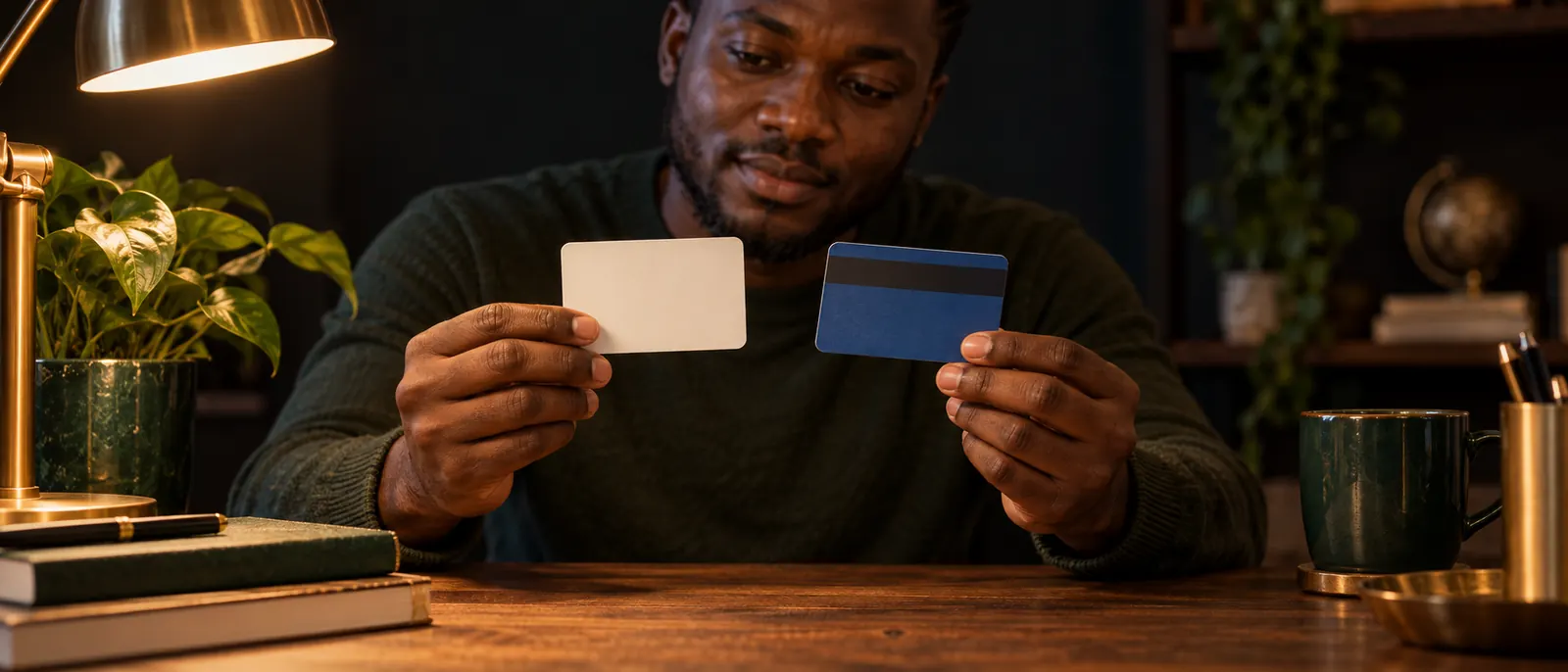
Apple gift card pictures can help you identify the card family, its front and back, and where the code or serial number sits, but they cannot prove originality, remaining value or whether anyone has redeemed it. A current Apple Gift Card has a colorful Apple logo on white, while most App Store & iTunes cards are blue with a pattern on the front.
Every sensitive value in our teaching graphic is hidden. Keep yours hidden too.
Apple Gift Card pictures: front and back
The current Apple Gift Card is the white card with a colorful Apple logo. Its pattern can change with the design and denomination, so a different pattern does not make a card suspicious by itself.
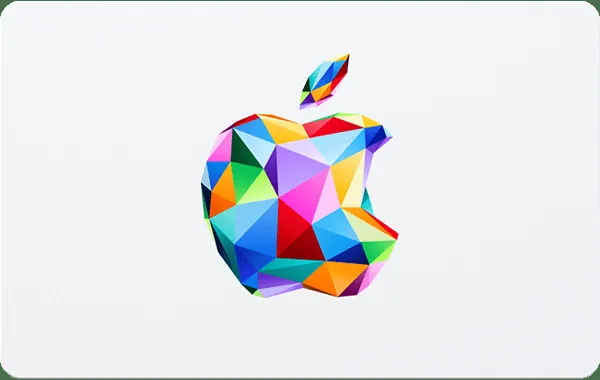
Apple gives that description to identify the card family, while the white background alone tells you nothing about the amount, the issuing country or the remaining balance. Read those details on the card in front of you. If the photo does not show them, they remain unknown.
A useful front photo can show the card family, whether you hold plastic and any denomination or region printed on that side. A back photo can reveal the instructions and support details. Neither view reports how much money is left.
Apple Gift Card back picture: code and serial number areas
The back carries the redemption code and identifiers Apple may request during a support case. Layouts vary, so use the zones to read your own card rather than expecting one fixed arrangement.
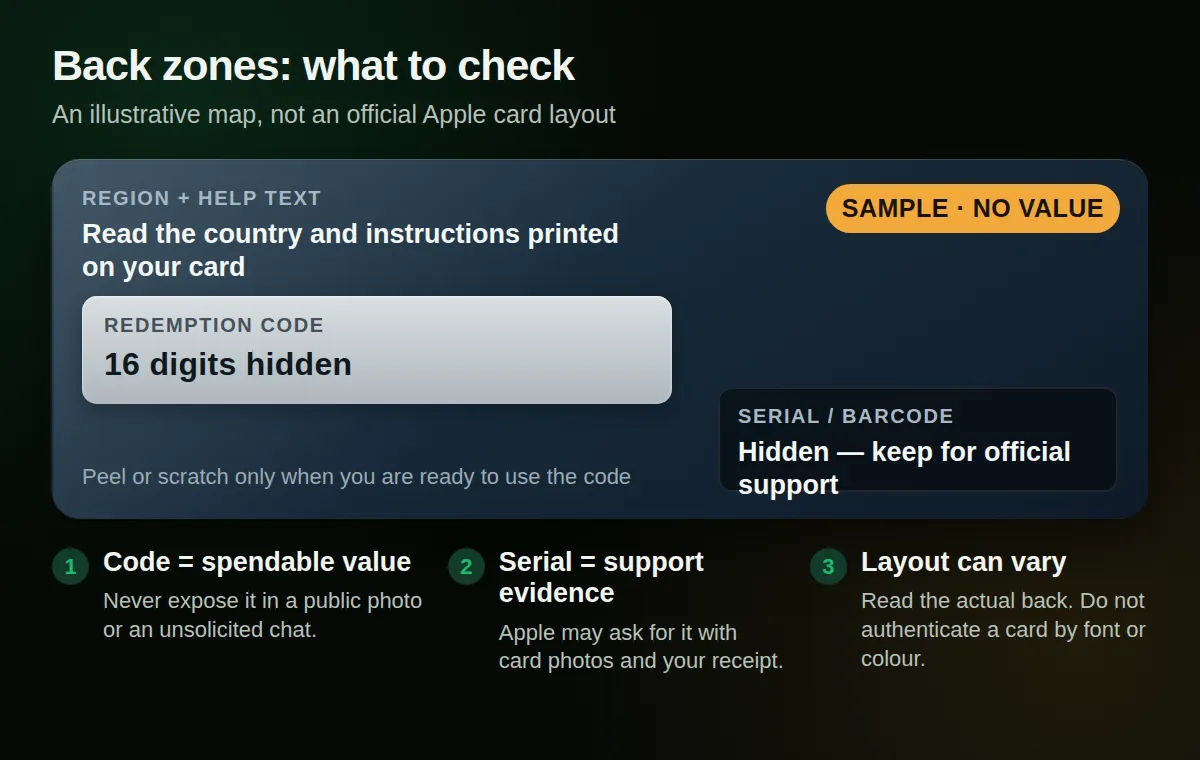
Apple’s redemption guide puts a 16-digit code on the back. Some cards hide it under a label you peel or gently scratch off. Its troubleshooting page refers to the code starting with X. The serial number is a separate identifier to keep for official support.
That same troubleshooting page says Apple might ask for images of the full front and back, a sales receipt and the serial number, so the company may need three kinds of evidence before it can help. A photo of one side cannot meet that request.
Share a full evidence pack only through a verified Apple Support route. For the redemption steps themselves, use our official redemption walkthrough. Do not type the code into an unknown checker just to see what happens.
App Store & iTunes card pictures: older designs
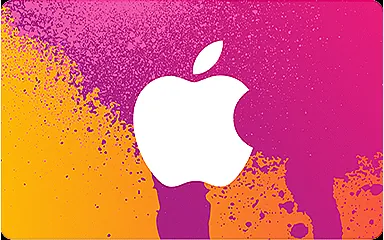
Most App Store Cards and App Store & iTunes Gift Cards are blue with a pattern on the front. Apple Music and older iTunes Store cards carry different artwork, but Apple says older cards can still be redeemed by following the instructions on the back.
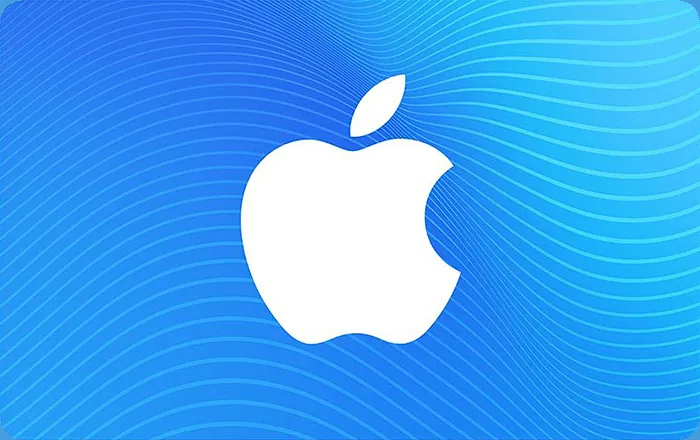
Age changes the artwork, while the remaining value still depends on whether anyone has used the code. A faded older card may still hold value, while a clean newer-looking one may already be empty. The picture cannot settle either case.

For the printed names, spending differences and rate treatment, read our Apple Store vs App Store vs iTunes guide. The card’s generation matters there; the photo is only your first clue.
Apple Store Gift Card images: the hardware card
Apple Store Gift Cards have solid gray, white, silver or gold fronts. Their backs carry a different set of clues from App Store cards, so do not judge every Apple card by the blue design above.
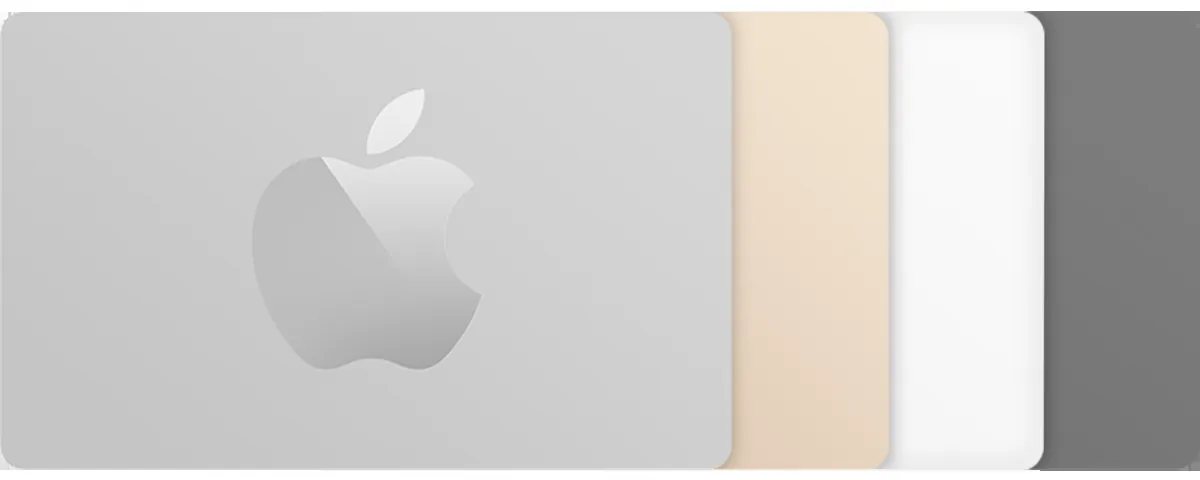
On the back, Apple says these cards can carry a balance-check link, wording that restricts them to the Apple Online Store or Retail Store, and a support phone number. Some wording says the card cannot be redeemed in the iTunes Store. That text identifies the card’s spending lane; it says nothing about the balance left on your particular card.
The usage split is easy to miss in a small photo. Our Apple gift-card usage guide explains which balance buys apps and subscriptions and which card pays for hardware.
Physical card, e-code and receipt pictures
An emailed Apple code has no scratch panel, but it needs the same secrecy as a plastic card’s back. Once the characters are readable, another person may be able to redeem them.
| Image | Useful evidence | Do not assume |
|---|---|---|
| Card front | Family, design, visible amount or region | Balance, ownership or authenticity |
| Back with covered code | Instructions and how the panel looks | That nobody redeemed it |
| E-code email | Amount, region and sender shown on screen | That the message or code is genuine |
| Receipt | Retailer's purchase record | Remaining value or current ownership |
Keep the receipt with the card. Apple may request it alongside the front-and-back images and serial number. A receipt records a purchase; it does not update itself when someone redeems the card.
Before sharing any image, work through this short checklist:
- Cover the full redemption code with a solid redaction, not a blur.
- Hide the serial number, barcode and unrelated order details unless a verified Apple Support case needs them.
- Remove your address, phone number and other personal details from receipt photos.
- Keep the original files and redact a copy for sharing; the untouched original stays in your photo library either way.
Can a picture prove an Apple gift card is original or unused?
No. Apple publishes design descriptions for identifying card types, not a picture test for authenticity. A clean front, a familiar font or an intact scratch panel cannot prove that a card is genuine, unused or still worth its printed amount.
An untouched-looking panel says only how that panel appeared when the shutter closed. The code could have been photographed earlier, and any card can be redeemed after a photo was taken. A downloaded image can also be genuine while having nothing to do with the card someone is offering you.
For value, use Apple’s own records. Its gift-card balance page covers unredeemed Apple Gift Cards and App Store cards. After redemption, the App Store shows an Apple Account balance below your name, as Apple’s balance guide explains. Our Apple balance-check walkthrough covers the device steps and phone fallback.
Check the purchase country too. Apple limits redemption to the country or region where the card was bought. A US card needs the US storefront, however convincing its photo looks.
Apple’s scam guidance says not to give the numbers on the back to someone you do not know well or have not met. Once those numbers move, the funds may be spent before you can ask for help. If Apple Support needs the full evidence pack, initiate the case through Apple yourself.
Keep the code private while you choose the exit
A card that does not match your Apple Account can be priced for a naira sale. Read our Apple selling guide for the safe order: a written figure first, the code after you accept, and payout within 15 minutes of verification.
Keep the receipt with the card. A picture can introduce the card; Apple’s own records have the final say on its value.
Questions, answered
What does an original Apple gift card look like?
Apple’s current card has a colorful Apple logo on a white background, with several designs and denominations. Most App Store & iTunes cards are blue; Apple Store cards use solid gray, white, silver or gold. These details identify the card family, not whether it is genuine or loaded.
Can you spot a fake Apple gift card from a picture?
No reliable picture test exists. A copied photo can show a real design while the actual offer is fraudulent, and an untouched panel cannot show redemptions. Check an unredeemed card through Apple’s official balance page and contact Apple Support directly about a suspicious sale.
Where are the code and serial number on an Apple gift card?
The 16-digit redemption code sits on the back, under a peel or scratch label on some cards; Apple says it starts with X. The serial number is separate. Keep both private except when you initiate a verified Apple Support case.
Do older App Store & iTunes gift cards still work?
Yes. Apple says older cards can still be redeemed by following the instructions on the back. The design can help identify the generation, but it cannot show whether the code has already been used or how much value remains.
Should I send a full front-and-back photo to a buyer?
Do not send a readable code to a stranger. Apple may request full front-and-back images, a receipt and the serial number for an official support case, but that evidence belongs in a case you initiate through Apple, not in an unsolicited chat.
Sell your card the safe way
No app, no sign-up — we confirm today's rate in writing before you send anything, and payout lands in your bank within 15 minutes of verification. Start with a small card if you want to test us first.
Sell my gift card