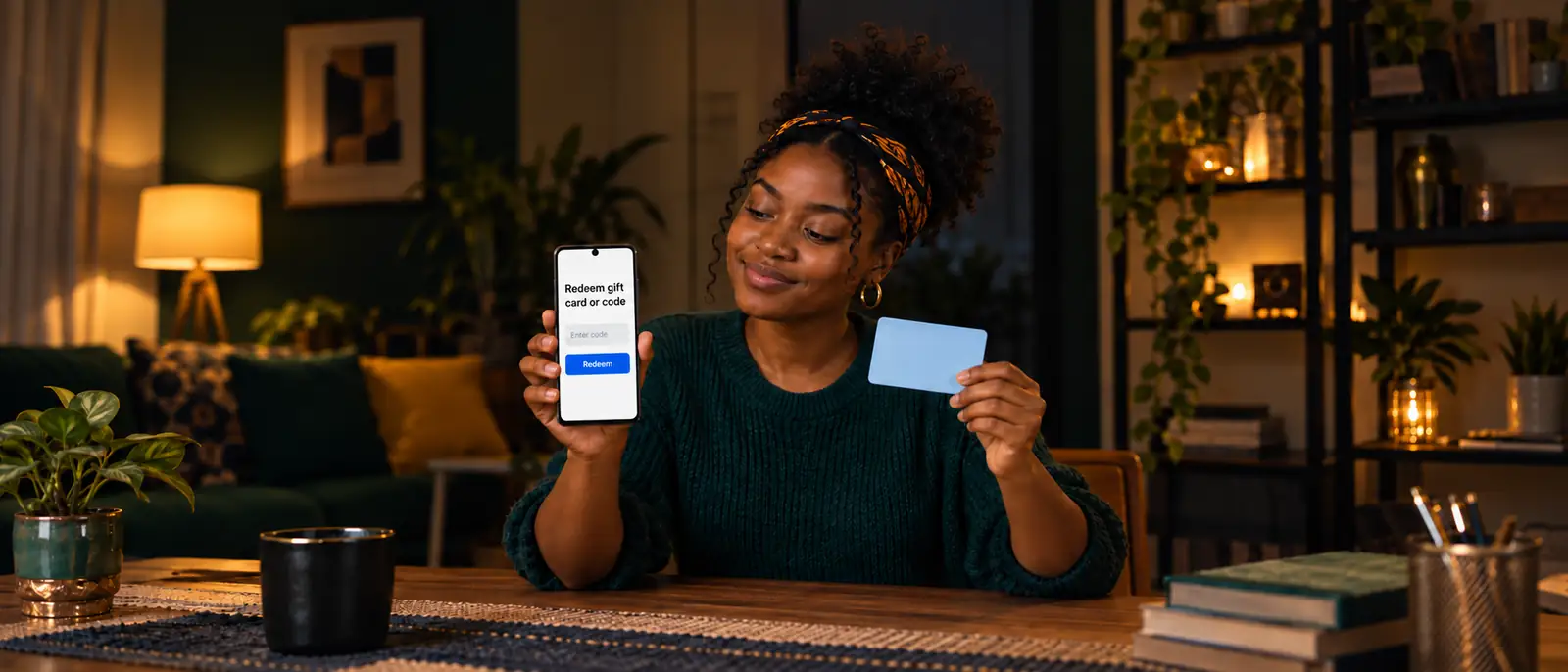
To redeem a Google Play gift card, open the Play Store app and choose Profile → Payments & subscriptions → Redeem code, or visit play.google.com/redeem in a browser. Enter the code, review the Google account shown, and tap Confirm only when that account should receive the balance. Google publishes both routes in its gift-card redemption instructions.
Check the card's purchase country before typing anything. A US card belongs to a US Play payment profile, and Google's country table does not list Nigeria as a place where Play gift cards are sold. If your account and payment life are in Nigeria, the country section below can save you a pointless redemption attempt. For another card brand, use our general gift-card redemption guide.
Read the account before Confirm
The confirmation screen names the Google account that will receive the money. Stop there if the email address is wrong. After Confirm, the value attaches to that account; Google does not let you move it to a different one.
Before you enter the code: match the card, account and country
Redemption works when the card's country and currency match your Google Play account and payment profile. Google's gift-card availability guide tells buyers to use authorized retail partners and says the account country must match the place where the card, code, or promotional credit was obtained.
- Check the receiving account. Open your Play Store profile and read the email address before you reveal or type the code. A code redeemed on a work, school, or old Gmail account stays with that account.
- Check the card's origin. Look for the purchase country and currency on the card, receipt, or delivery email. A $20 US card and a £20 UK card follow different payment profiles.
- Use an official surface. Open the Play Store app or type
play.google.com/redeemyourself. A redemption link sent in chat can lead to a copy that collects spendable codes. - Read the code exactly. Google says redemption codes are usually 16 letters and digits, although some delivered codes use a different length. Keep the characters in the order shown.
How to redeem a Google Play card on Android
The Android route is Play Store → profile → Payments & subscriptions → Redeem code. Some Google help screens call the menu item Redeem gift code. Both labels lead into the same redemption task, and the camera can scan a physical card when typing is awkward.
- Open the Google Play Store app. Tap your profile picture at the top right and confirm the account email.
- Open Payments & subscriptions, then Redeem code. If your screen says Redeem gift code, choose that label instead.
- Enter the code or tap Scan gift card. Google's gift-card troubleshooting guide places the scan option inside this flow. Let the camera read a clean, flat card; otherwise type the characters yourself.
- Tap Redeem and review the receiving account. Read the email address and the offer on the confirmation screen. Go back if anything belongs to the wrong account or country.
- Tap Confirm to finish. The code now becomes Google Play balance on the displayed account. Open Payment methods afterward and check that the new balance appears.
Use play.google.com/redeem on any browser
The web route works on an iPhone, Android phone, or computer: visit play.google.com/redeem, enter the code, click Redeem, review the account, and click Confirm. Sign in with the same Google account you intend to use for the purchase.
Typing the address matters here. The genuine page sits on play.google.com; a search advert or chat link can carry a different domain even when its page looks familiar. The browser route also gives iPhone users a way to redeem without finding an Android device.
Google documents a third entry point for people already buying content. At checkout, open the arrow beside the payment method and choose Redeem code, then enter the code and follow the screen. Use this route only for the purchase you actually want; it does not make an ineligible subscription accept Play balance.
Check the balance and what it can pay for
After redemption, open Play Store → profile → Payments & subscriptions → Payment methods → Google Play balance to see the credit. The balance belongs to the displayed account and follows its Play country.
Google's Play balance guide says the credit pays for eligible apps, books, films, subscriptions, and other Google Play content. It can also pay for eligible YouTube content. Some subscriptions do not accept Stored Value, so read the payment line before subscribing. Play balance cannot buy hardware in the Google Store or top up Google Pay or another payment method.
Spending follows the same currency rule as redemption. Google says your balance buys content sold in the balance's currency; an AUD balance cannot pay a euro-denominated checkout. Its balance and transfer guidance also says gift cards, prepaid balance, and promotional balance are not refundable or transferable unless the law requires it. Redeeming is an account decision with lasting consequences.
Google Play gift card not working? Match the exact error
The exact message on the redemption screen points to the right fix; repeated guesses do not. Start with the wording below, drawn from Google's official error guide. Preserve the card and receipt while you work through the matching row.
| Message on your screen | What to check | Official next move |
|---|---|---|
| "There is a problem with that code." | A typing mistake, an unreadable character, or a card the shop never activated | Scan or retype the code. If a new physical card still fails, ask the retailer to check activation; Google cannot activate it for the store. |
| "The code you entered has already been redeemed on a different account." | Your other Google accounts, then friends or family who had access to the code | Sign in to the account used earlier and check its balance. Contact Google if you believe the message is wrong; it cannot disclose the redeeming account. |
| "This code can only be used in [country/region]." | The purchase country, your payment profile currency, and where you are physically located | Use the country route described below. Google tells travelers to try again after returning home and links a country-specific contact form. |
| "We need more information to redeem your gift card." | The documents requested with the error | Submit the form linked inside this error's section on Google's help page. Include the requested card and purchase evidence. |
| "You have reached your redemption limit." | Your current balance and the daily or total limit for your country | Spend some balance and wait for the reset. Google advises waiting 24 hours before trying again. |
| "The code you entered has expired." | The offer terms and whether this is promotional credit | Follow the promotion's expiry rule. Ordinary gift-card terms carry no expiration date, while promotions and retired national programs can follow separate deadlines. |
| "Code is inactive and has been cancelled. Contact the retailer." | The seller's activation or cancellation record | Return to the retailer with the card and proof of purchase. Another redemption attempt cannot reverse a cancellation. |
Expiry has its own paper trail. Google's gift-card terms say no fees or expiration dates apply to an ordinary gift card or credit. Promotional credit and country-specific program withdrawals follow their own notices.
An unreadable code needs evidence, not more guesses. Google asks for a picture of the card's back with its serial number visible, plus the receipt as proof of purchase. Send those items through the support route you initiated, and cover the redemption code in any image you use elsewhere. The official balance-check directory explains why Play has no separate checker that can safely test the code for you.
A foreign card in Nigeria: use the country rule, not a VPN
A US Google Play card needs a US payment profile and purchase-country match; a Nigerian Play account does not qualify. Changing your Play country is a relocation task. Google requires you to be in the new location and have a payment method from that country or region.
The current interval is at least 90 days after your initial country setting and between later changes, not the once-a-year rule repeated by older tutorials. Google Family group members cannot change Play country. These conditions appear in Google's country-change guidance.
A VPN changes the network route. It does not supply the required local payment method or rewrite the payment profile behind your account. Old balance also stays linked to the old Play country; Google says it becomes usable again if you change back. Moving a profile back and forth to chase a card can therefore strand the balance you already had.
Readers genuinely living in the card's purchase country can follow Google's country and cross-border support routes. For someone whose accounts, address, and payments remain in Nigeria, an unredeemed foreign card has a more practical exit.
Keep the code unused while you choose the exit
Our Google Play selling guide explains the sale for a card with no eligible account. On giftcardstonaira.ng, send the brand, country, face value, and form; the written naira quote comes before the code, and bank payout follows verification within 15 minutes. You can check the current Google Play calculator first.
A Play code is never a payment to a stranger
Google says Play gift cards pay for Google Play purchases, never taxes, bail money, or anything outside Google Play. Its gift-card scam guidance also says never to share the code on the card's back. A caller who demands those digits for a fee, a delivery, a bank issue, or identity verification is asking for spendable value.
Keep the same boundary when selling. Brand, purchase country, face value, and physical card or e-code are enough to begin a quote. A stranger who insists on seeing the code before discussing any figure can redeem it onto an account you do not control. Our seller scam checklist covers the code-harvesting scripts and the payment-alert checks.
If someone has already taken the code, Google advises reporting the crime to the police and then contacting its support team. Keep the card, receipt, messages, and any account details you have. Google says it cannot issue a replacement gift card, so do not pay a recovery agent who promises one.
One habit prevents the expensive mistakes: read the receiving account and country before Confirm, not after the balance has nowhere else to go.
Questions, answered
Can I redeem a US Google Play gift card in Nigeria?
Not onto a Nigerian Play profile. Google requires the card and account to share a purchase country and currency, and its gift-card availability table does not list Nigeria. A genuinely US-based account may be eligible; if yours is Nigerian, keep the code unredeemed while you choose a legitimate use or sale.
Can I check a Google Play gift card balance without redeeming?
Google provides no standalone checker for an unredeemed Play code. Its redemption flow reviews the receiving account before Confirm, but that is part of redemption, not a public balance check. Keep the code out of the flow if you only want to check or sell the card.
Does a VPN let me redeem a foreign Google Play card?
No. Google requires physical presence in the new country and a payment method from there, with at least 90 days between Play country changes. A VPN changes your network route but does not satisfy those account and payment-profile conditions.
Why does Play say “We need more information to redeem your gift card”?
Google needs documents to investigate the code. Use the form linked inside that error’s section on its official help page and submit the requested evidence. For an unreadable card, Google asks for a back-of-card picture with the serial visible plus the purchase receipt; send those only through the support case you initiated.
I redeemed to the wrong Google account. Can I move or refund the balance?
No. Play balance is not transferable or refundable unless the law requires it, and content cannot be moved between accounts. Check the receiving email before Confirm. You can sign back into the account that received the credit and spend it on eligible content there.
Do Google Play gift cards expire?
Ordinary Google Play gift cards carry no expiry date or fee under Google’s terms. Promotional codes and retired national programs can follow separate deadlines, so read the exact offer or country notice instead of treating every code as permanent.
Sell your card the safe way
No app, no sign-up — we confirm today's rate in writing before you send anything, and payout lands in your bank within 15 minutes of verification. Start with a small card if you want to test us first.
Sell my gift card